
Enabling Decarbonization Through Low-Cost Energy Storage
Storworks Power is developing thermal energy storage solutions to enable deep integration of renewable energy in the power and industrial sectors. We deliver reliable long-duration energy storage at the lowest cost by using proprietary high-temperature modular concrete blocks.
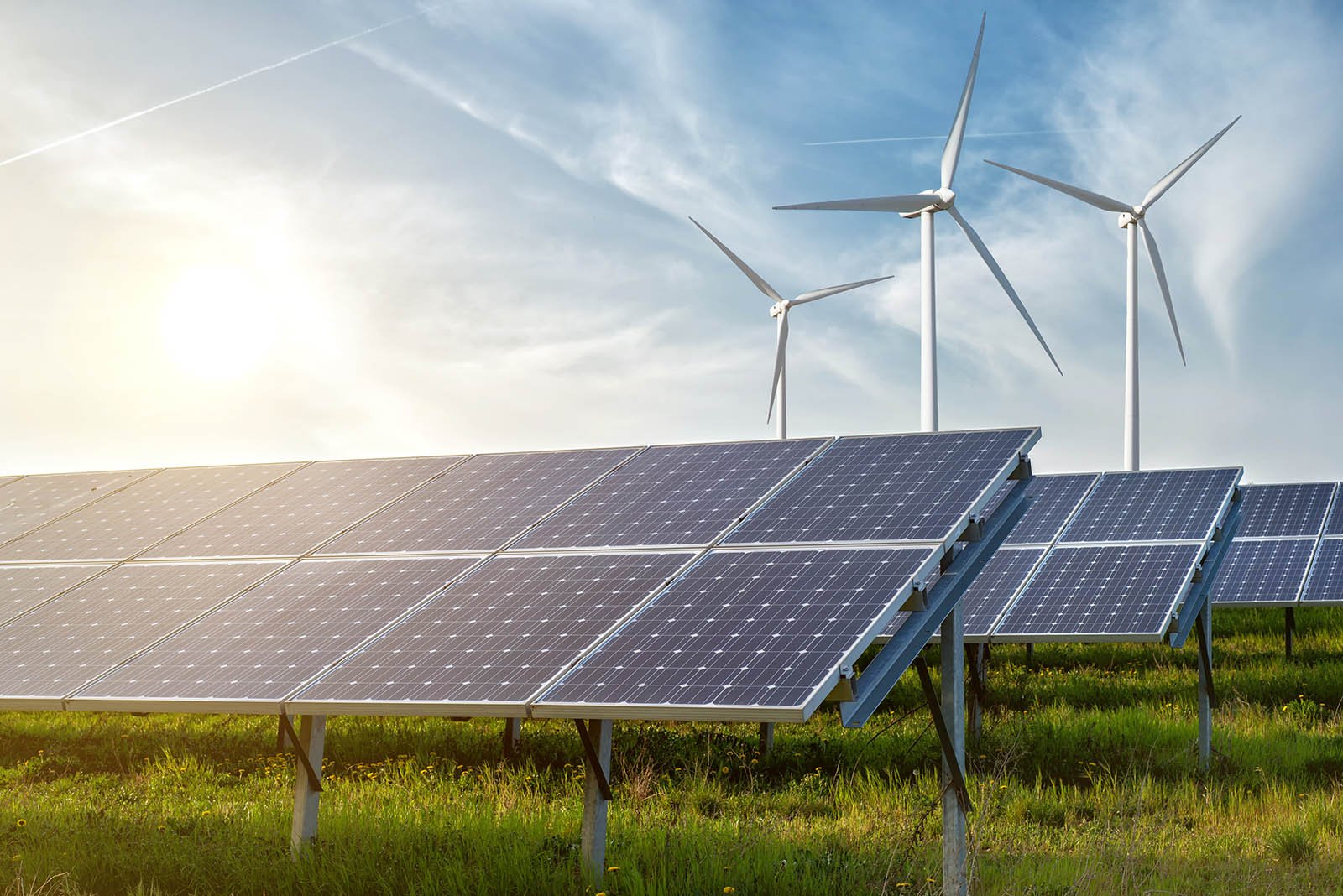
The energy landscape is rapidly changing. Renewable energy is growing exponentially, requiring flexible assets to fill in when solar and wind energy production drops, and store excess energy when there is a surplus of renewable generation. Legacy fossil assets are being retired due to uneconomic operating costs and high emissions. Industrial customers are seeking ways to decarbonize their operations and decrease emissions.
Storworks provides energy storage by storing heat in concrete blocks, charging when excess energy is available and discharging to provide energy when needed. The system can be heated by electricity, steam, or waste heat recovery, and can provide heat, steam, or electricity when paired with a conventional steam turbine. Storworks technology is designed to meet the energy storage needs of both utility and industrial customers:

Electric Utilities
Our concrete thermal energy storage technology turns conventional power plants into flexible energy storage resources, providing a new life for plants that would otherwise be retired.
In addition to turning legacy plants into “batteries”, thermal energy storage can also be used to optimize operations, decrease costs, and reduce emissions as these facilities adapt to changing dispatch schedules imposed by increasing renewable penetration.
Industrial Processes
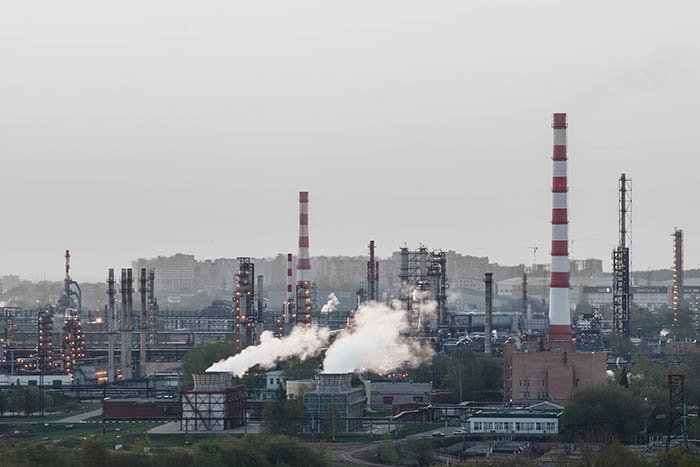
We provide on-demand high-quality heat and steam for industrial processes, utilizing renewable energy to decarbonize production at the lowest possible cost.
Our energy storage can provide firming for renewable energy and can turn fixed-demand loads into flexible assets able to purchase grid power at optimal prices, providing a low-cost decarbonization pathway.
Key Advantages
-
Lowest Cost
The lowest cost energy storage technology, using proprietary concrete + existing infrastructure
-
Long Duration
Energy storage from 2-24+ hours of energy, which can be stored for days until needed. Unlimited capacity with Hybrid operation.
-
Safety
Low risk technology, with no fire danger, heavy metals, or toxic chemicals
-
Low Footprint
Stackable high-temperature blocks require minimal footprint, integrating into existing facilities
-
Broad Application
Scalable to virtually any size and duration, providing power-plant quality steam at up to 600°C (1100°F)
-
Sustainability
Proprietary concrete formula utilizing waste fly ash, with a low CO2 footprint. Domestically sourced, with no conflict metals